
Introduction
How to get a cinematic look in Premiere Pro for beginners is one of the most searched topics among new video editors who want their videos to look professional and visually appealing. Cinematic videos have a unique style that combines smooth motion, balanced colors, and a film-like appearance.
With tools like Adobe Premiere Pro, beginners can easily achieve this look without expensive equipment. By applying the right techniques, even simple footage can be transformed into high-quality cinematic content. In this guide, you will learn how to get a cinematic look in Premiere Pro for beginners using simple and practical editing methods.
What Makes a Video Look Cinematic?
Before understanding how to get a cinematic look in Premiere Pro for beginners, it is important to know what defines a cinematic video.
A cinematic look includes:
- Proper color grading
- Smooth and natural motion
- Wide aspect ratio
- Balanced lighting
- Clean sound design
When these elements are combined, your video looks more professional and engaging.
Use Cinematic Aspect Ratio
One of the easiest ways to achieve a cinematic feel is by adjusting the aspect ratio.
To apply this in Adobe Premiere Pro:
- Use a widescreen format like 2.35:1
- Add black bars at the top and bottom
This simple adjustment instantly improves the visual quality and gives a film-like appearance.
Adjust Frame Rate for Smooth Motion
Frame rate plays an important role in how to get a cinematic look in Premiere Pro for beginners.
For best results:
- Use 24 FPS for a cinematic feel
- Use higher frame rates (like 60 FPS) for slow-motion shots
Correct frame rate settings help your footage look natural and smooth.
Apply Color Grading
Color grading is one of the most important parts of how to get a cinematic look in Premiere Pro for beginners.
Using the Lumetri Color panel in Adobe Premiere Pro:
- Increase contrast slightly
- Reduce highlights
- Adjust shadows
- Add warm or cool tones
You can also use LUTs (Look-Up Tables) to quickly achieve a cinematic color style. Proper color grading gives your video a professional and polished look.
Improve Lighting and Contrast
Lighting has a major impact on video quality.
To improve your results:
- Avoid overexposed clips
- Balance highlights and shadows
- Add contrast to create depth
Good lighting enhances the cinematic feel and makes your visuals more appealing.
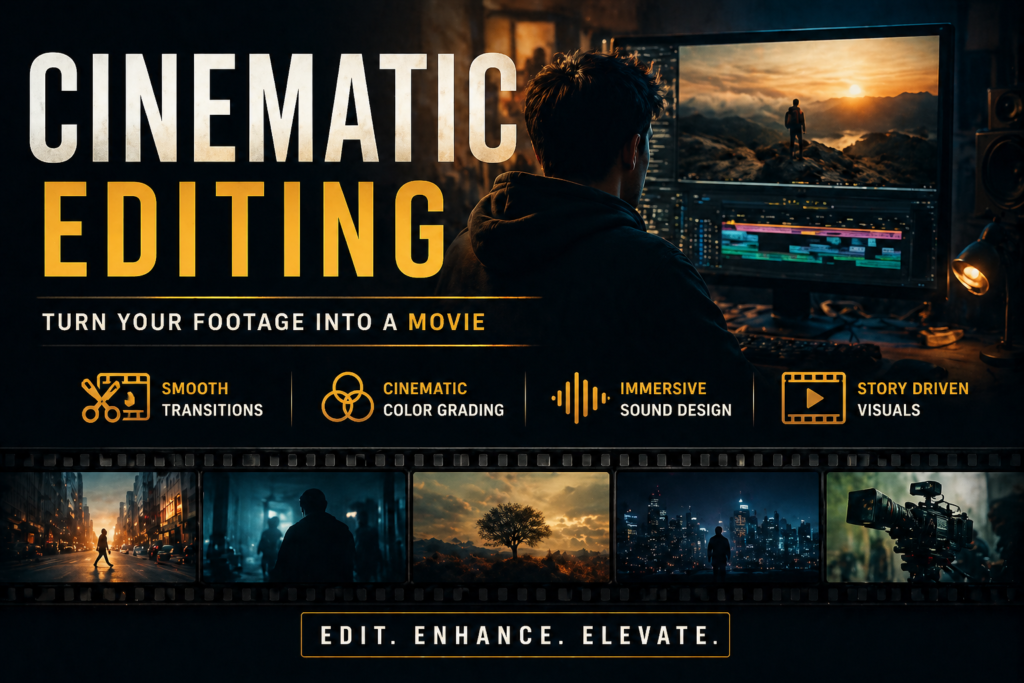
Use Simple and Smooth Transitions
Transitions should be clean and minimal when creating cinematic videos.
For better results:
- Use simple cuts
- Add fade in and fade out
- Avoid overusing flashy effects
Keeping transitions simple helps maintain a professional look.
Add Slow Motion for Better Impact
Slow motion is a powerful technique used in cinematic videos.
To use it effectively:
- Reduce clip speed to 40–50%
- Apply it to important or emotional scenes
Slow motion adds depth and makes your video more engaging.
Focus on Sound Design
Sound is often ignored, but it is a key part of how to get a cinematic look in Premiere Pro for beginners.
To improve audio quality:
- Add background music
- Use ambient sounds
- Keep dialogue clear
Good sound design enhances the overall experience of your video.
Use Depth of Field Effect
A blurred background helps create a cinematic feel.
You can:
- Apply blur effects
- Focus on the main subject
- Keep the background soft
This technique improves visual storytelling and makes your video look more professional.
Common Mistakes to Avoid
While learning how to get a cinematic look in Premiere Pro for beginners, avoid these mistakes:
- Overusing effects
- Ignoring color balance
- Using too many transitions
- Poor audio quality
Keeping your edits clean and simple will give better results.
Pro Tips for Beginners
To improve faster:
- Practice color grading regularly
- Watch cinematic videos for inspiration
- Use high-quality footage
- Keep editing minimal and clean
These tips will help you master how to get a cinematic look in Premiere Pro for beginners more effectively.
Conclusion
Now you understand how to get a cinematic look in Premiere Pro for beginners using simple and effective techniques. From aspect ratio and frame rate to color grading and sound design, every step plays an important role in creating professional videos.
With consistent practice and the right approach in Adobe Premiere Pro, you can turn basic footage into cinematic content. Start applying these techniques today and improve your video editing skills.
Looking for high-quality video editing?
Need help? Reach out for professional video editing services.